Connect
SQL workbench
A SQL editor in the browser, with no client to install and no token to copy. Every statement still goes through the database gateway.
Open it#
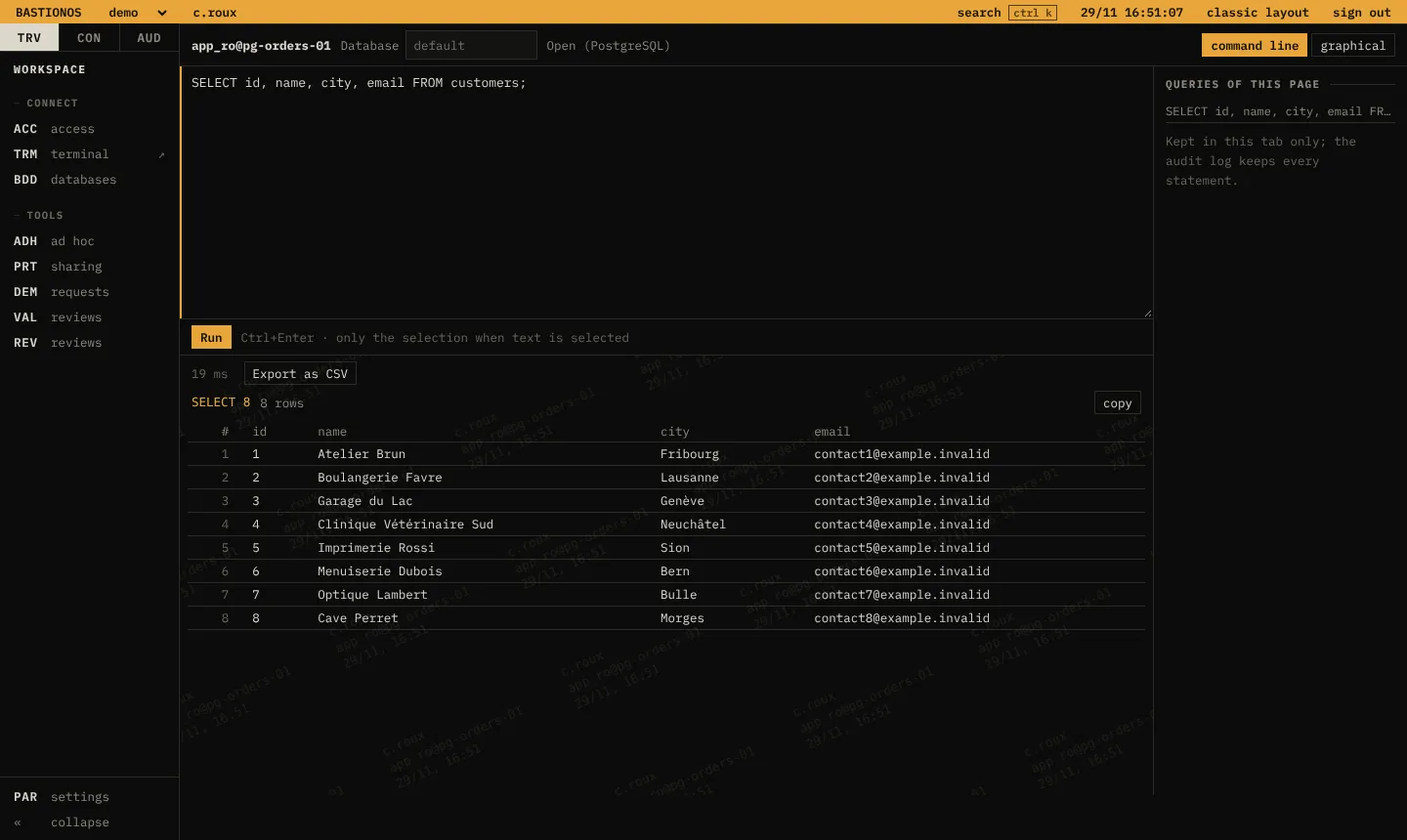
In My access, click SQL workbench on the database's row. It opens in a tab of its own: an editor, the results of the last query and the queries of the page. Choose the database in the bar; empty means the account's default.
Running queries#
- Ctrl+Enter runs the text, or only the selection when there is one.
- A script runs statement by statement. One query runs at a time; Cancel stops it at the server.
- Each result shows up to 1,000 rows, values cut at 4 KiB, 4 MiB in all. Rows beyond are counted, never held.
- NULL is shown as NULL, binary values in hexadecimal. A result copies as tab-separated text.
- The graphical mode browses the database: schemas, tables and views, their columns, indexes and rows, 100 at a time. It is read-only and sends ordinary
SELECTqueries, checked and recorded like the others. To change data, edit puts the panel's query in the editor.
Exports#
With the export action of your access, a table, a schema or the database can be downloaded as SQL or CSV, and a query's rows as CSV. Cells that start with =, +, - or @ get a leading ', so a spreadsheet does not run them as formulas.
Masked columns#
When a masking policy names a column, its values arrive masked: ******, ************1111, j***@example.com or a stable digest. The header of a masked column carries a mark. Exports are masked the same way. Statements that could copy masked values elsewhere are refused.
The same rules as a native client#
- The access is decided when you open the workbench, and again by the gateway.
- Command policies refuse or flag statements before the server sees them.
- Each statement is recorded; the session appears in Audit → Sessions and can be ended by an administrator.
- The session ends when your access ends.